# Octarine 0.27.7 Changelog
Released: 2025-08-07
**More AI Providers**
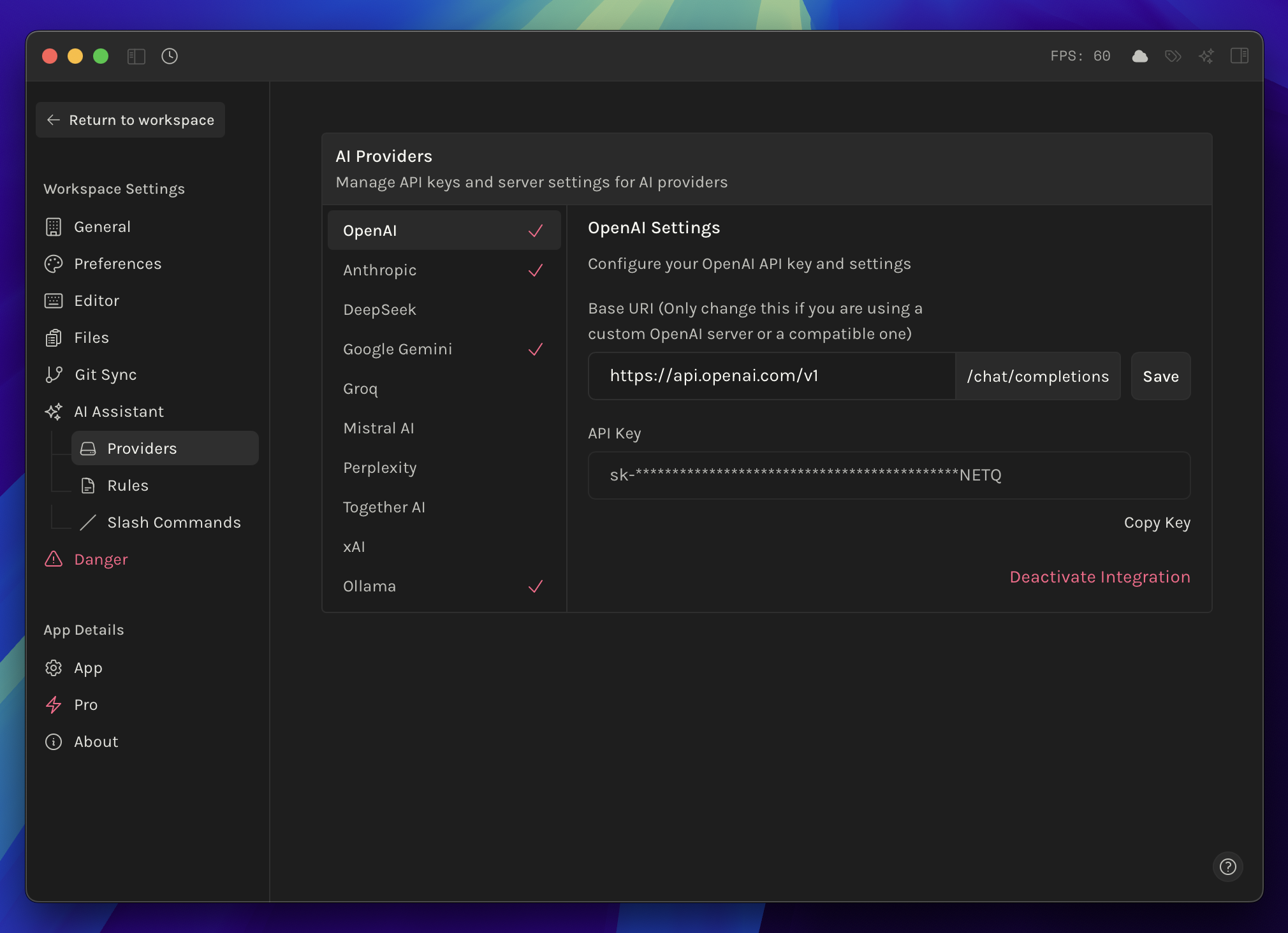
- Support for Anthropic, DeepSeek, Google Gemini, Groq, Mistral, Perplexity, Together AI and xAI have been added for use in Writing Assistant and Ask Octarine.
**Slash Commands**
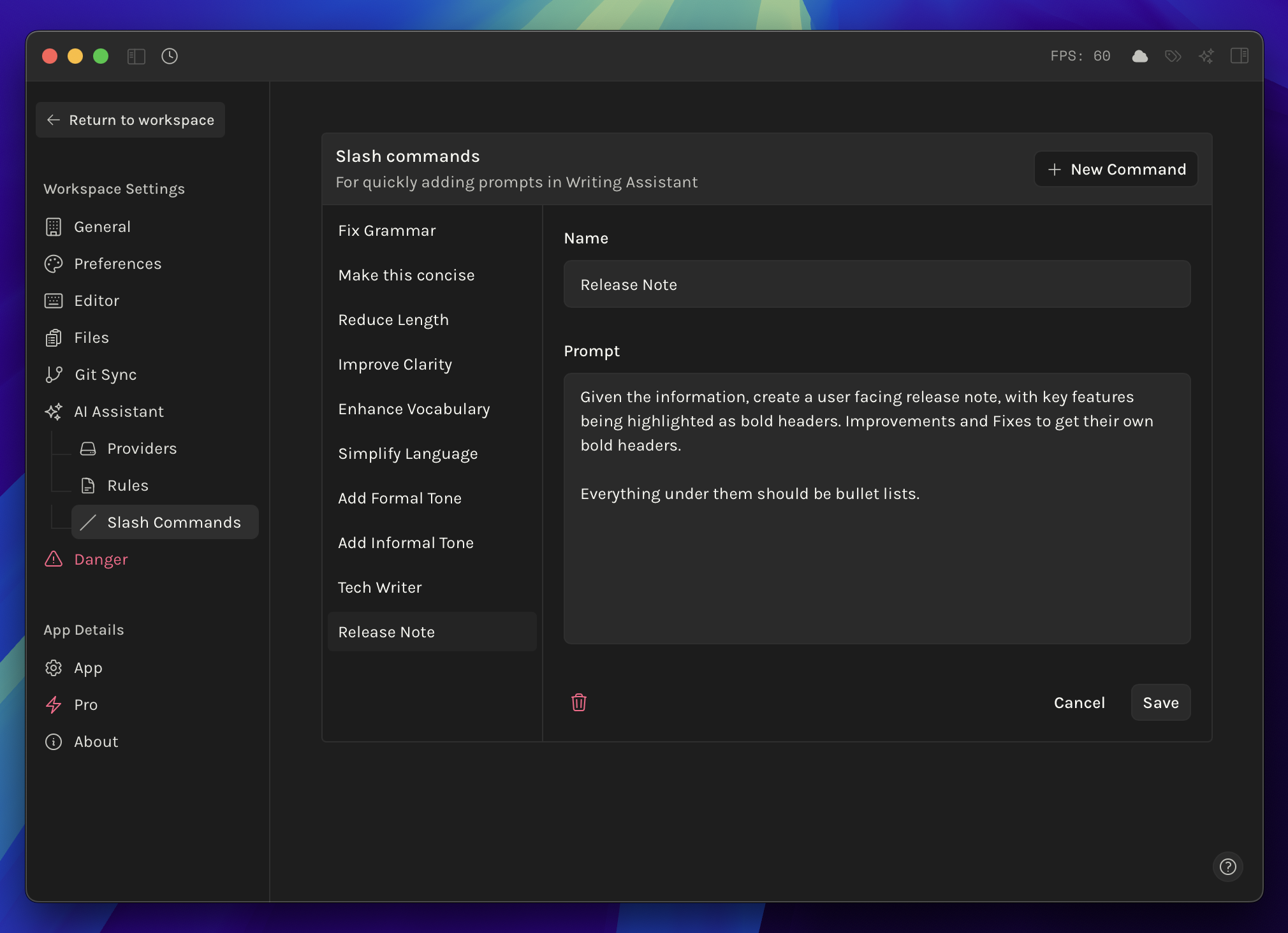
- Slash commands for Writing Assistant are now editable, with the ability to create new ones.
- Set them up in `Settings → AI Assistant → Slash Commands` . These are immediately available when pressing `/` in writing assistant.
- Images & Videos can now have their width resized by dragging from the right.
- Width details are stored in the `[[` text with a pipe character. For example — `[[Image.png|450]]` where 450 is the width in px.
- You can revert to original size via the `More options` icon on the media breadcrumb.
**Improvements**
- Added `Monospace Font` setting in `Settings → Preferences` . This affects all monospace fonts in the app.
- Success and Error toasts are more legible.
- Limit the amount of recently viewed to 15 so as to not spam `Cmd + P` .
- You can now press `New Chat` to create a new one even if the current chat is empty in Writing Assistant.
**Fixes**
- Fixed an issue where sidebars would not show up when screen size was less than 768px.
- Fixed tab tooltips showing the wrong `cmd + ` for switching to it.