
When Something Comes Up
Writing, without friction.
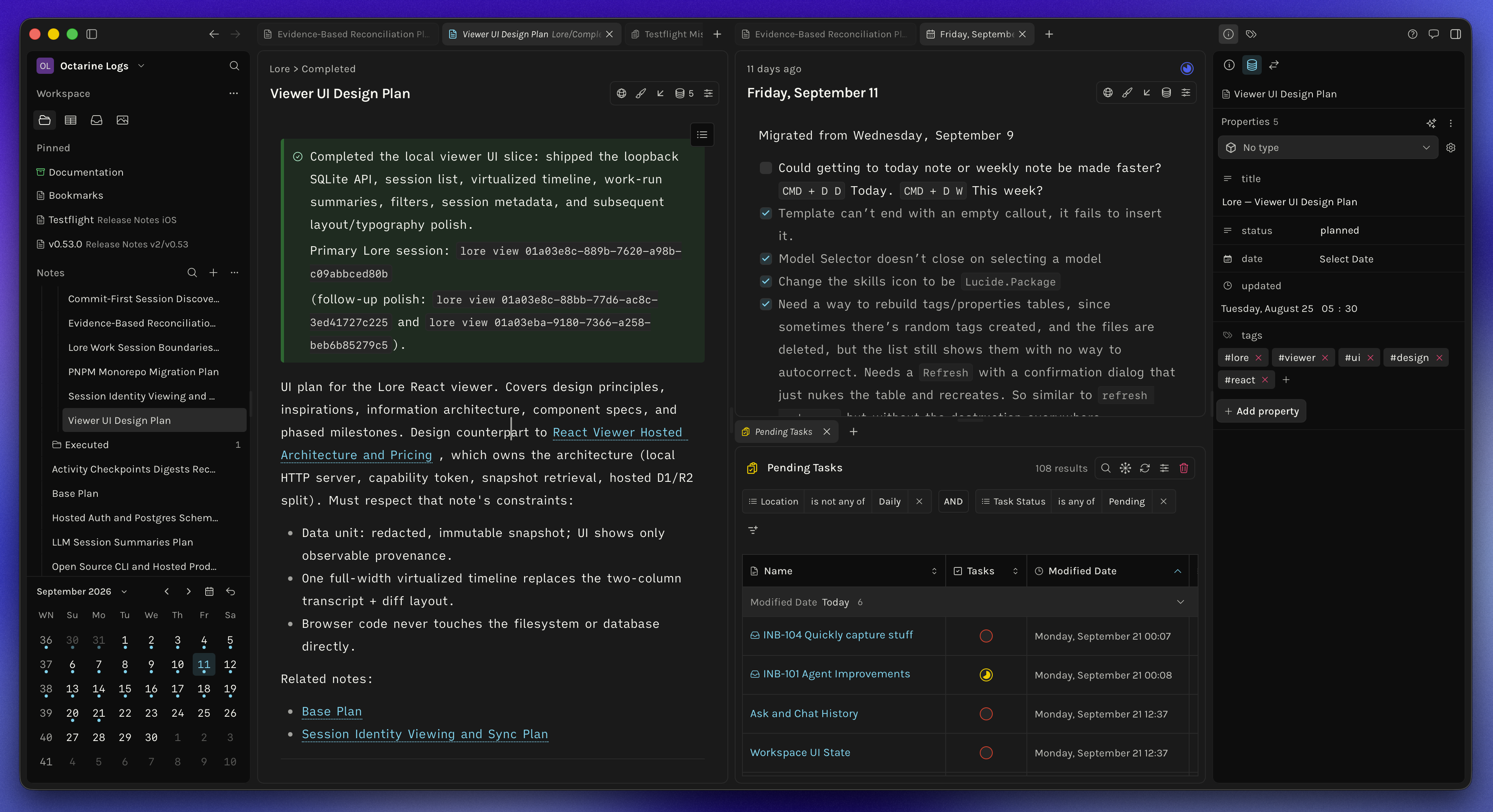
Capture ideas quickly, organize them naturally, and build workflows around your thinking. All in a fast Markdown workspace that keeps your files local and gets out of the way.
Why Octarine
A quieter place to think, write, and work.
Octarine is built slowly, deliberately, and independently.
I believe good software should get out of the way. It's user-focused by default — designed around how people actually think, write, and work, not around metrics or funnels.
Octarine is bootstrapped. No venture capital. No growth-at-all-costs roadmap. The product answers to its users, not investors.
It's opinionated by design. I make clear choices so you don't have to spend time configuring every detail. Instead of endless options and switches, it ships with defaults that are meant to feel right and stay out of your way, so you can focus on the work rather than the tool.
Your data is yours. Always. Data isn't the moat — the experience is. It's built around interoperability, open formats, and tools that work with the rest of your system instead of locking you in.
Batteries are included. Core features aren't hidden behind plugins, extensions, or marketplaces. What you need to do real work ships with the app, thoughtfully integrated from day one.
This exists to be calm, intentional software in a noisy world — built by one person, for people who care about their tools.
Thanks for stopping by, and I hope it helps you find joy in writing, as it has for me.
Cheers,
Rajat
And two lovely interns - Stella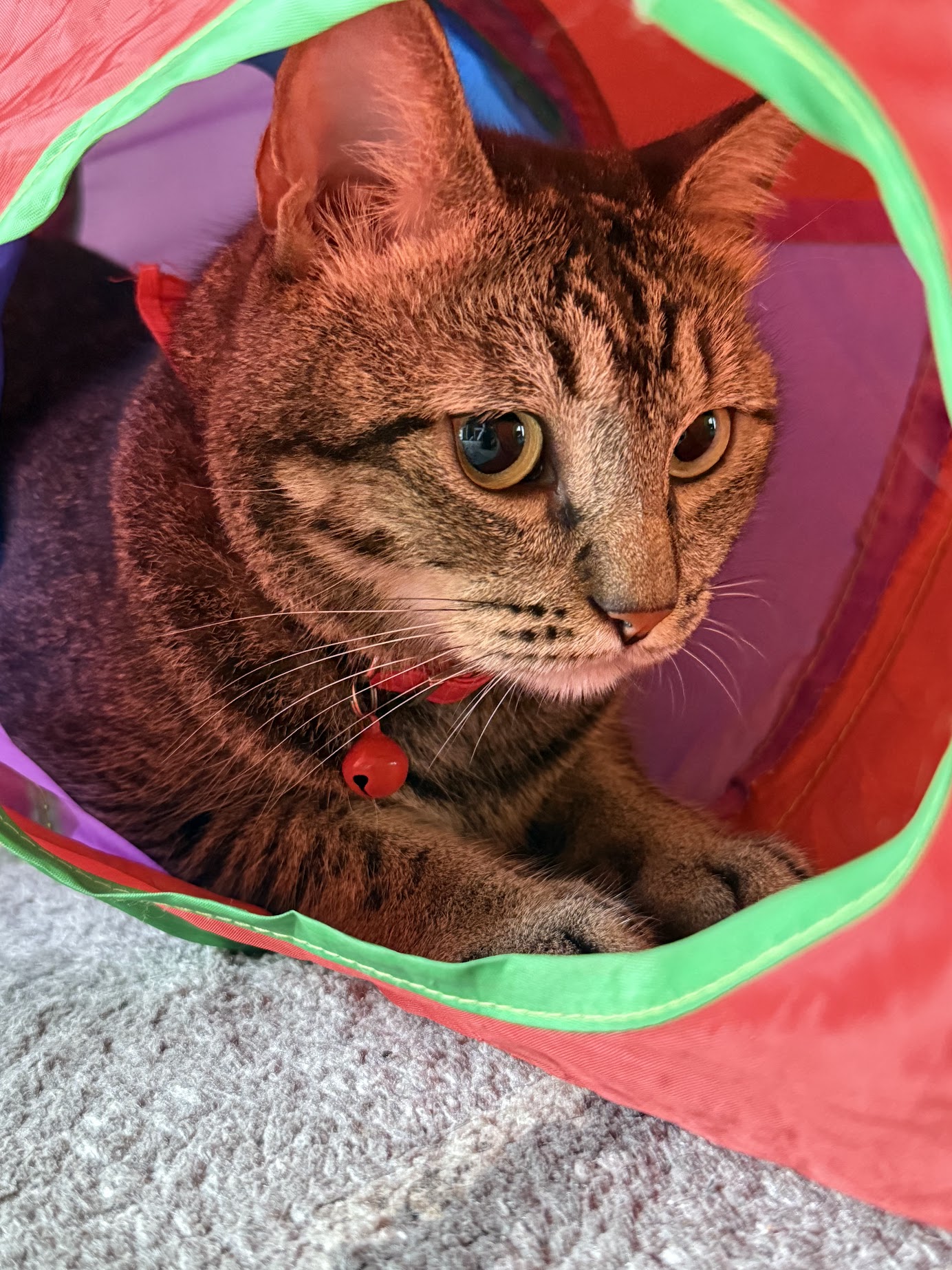 & Mylo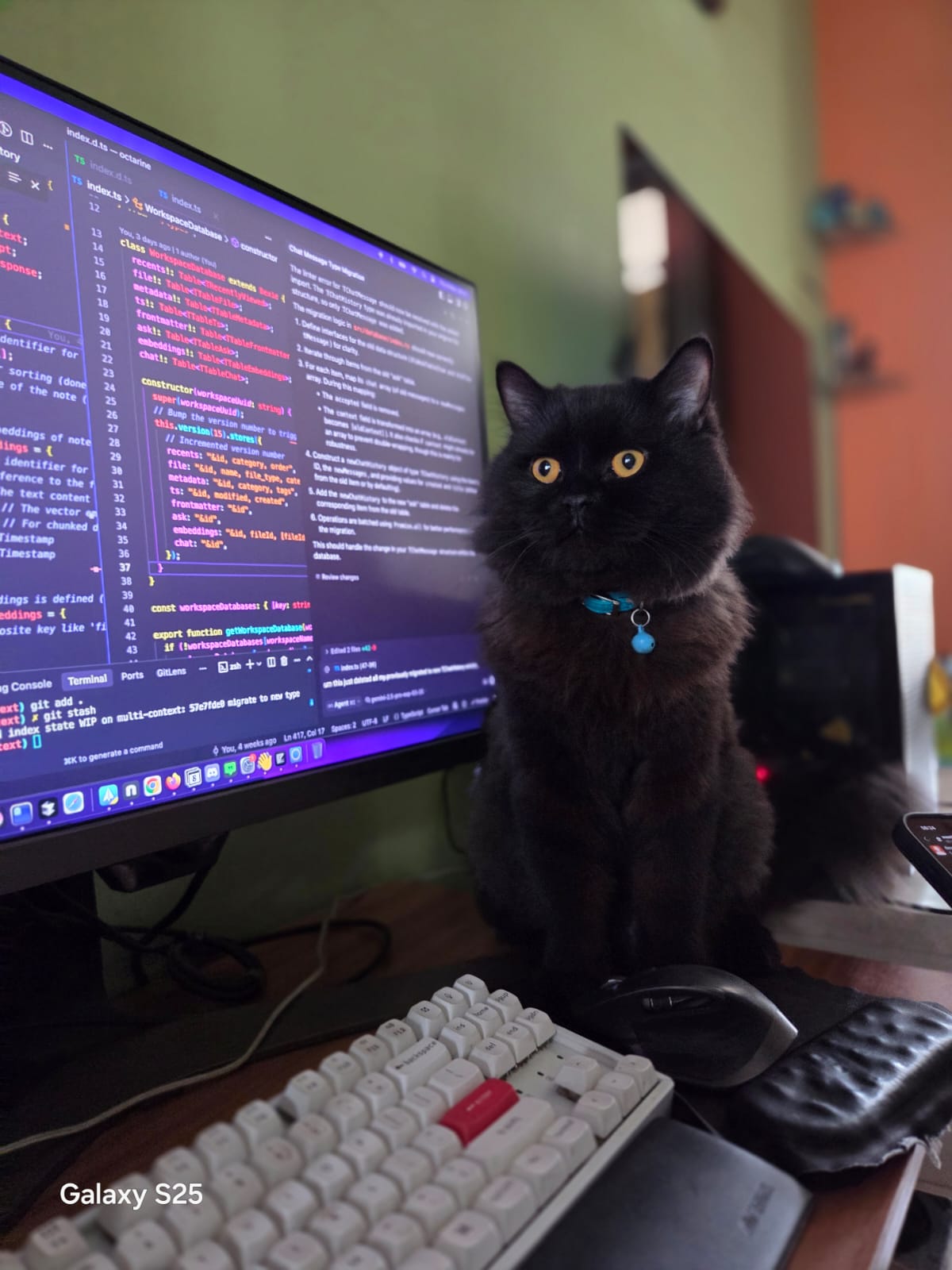
When You Sit Down to Write
Start writing. Stay with the thought.
When Your Workspace Gets Busy
Add structure. Keep it flexible.
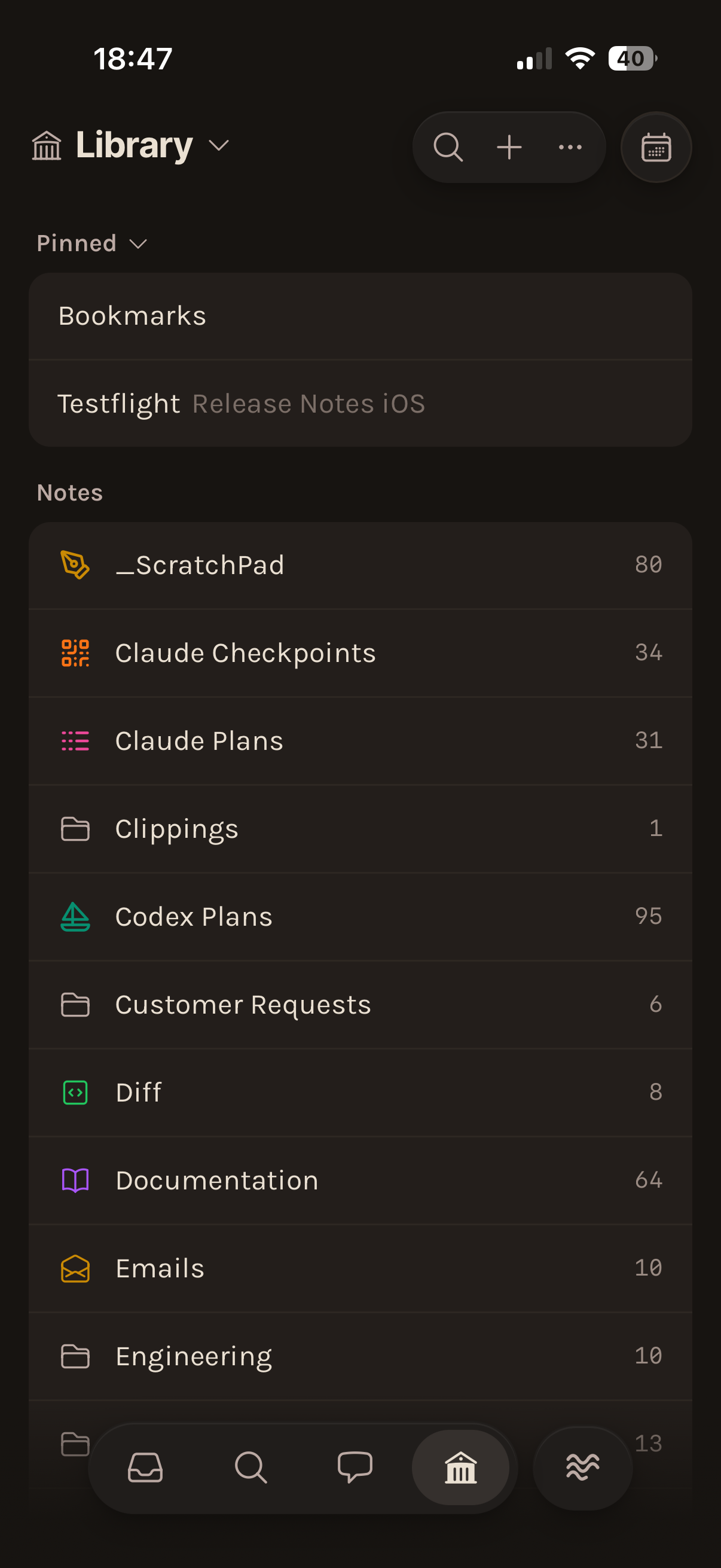
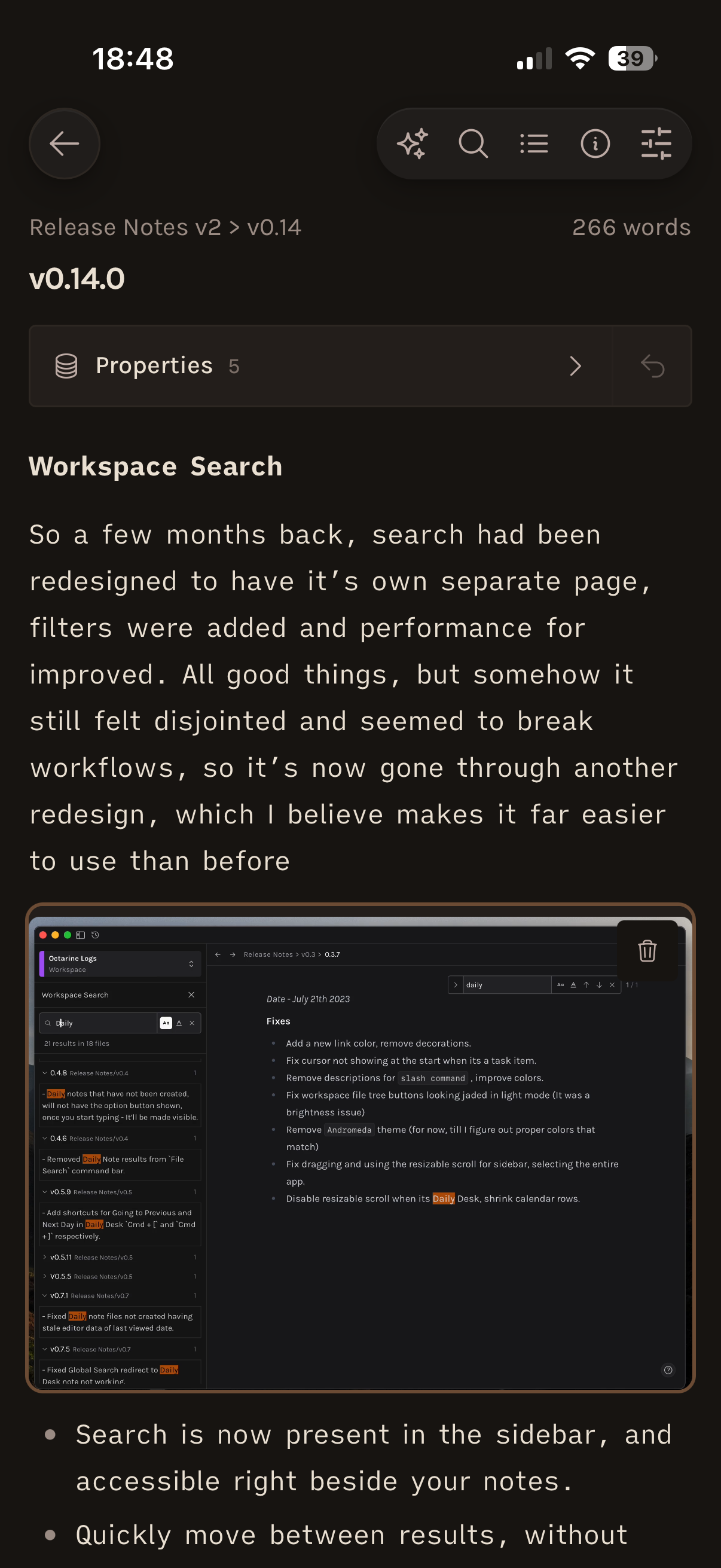
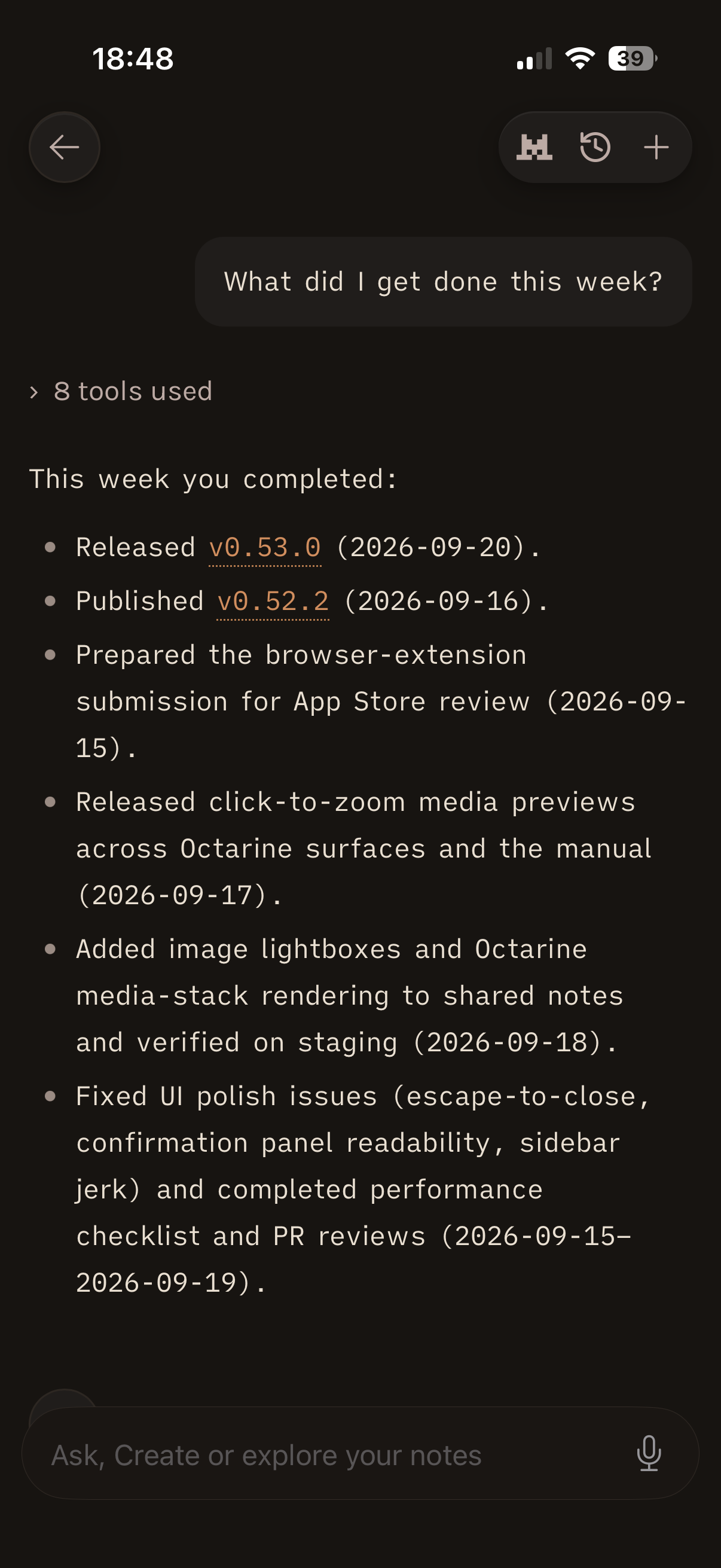
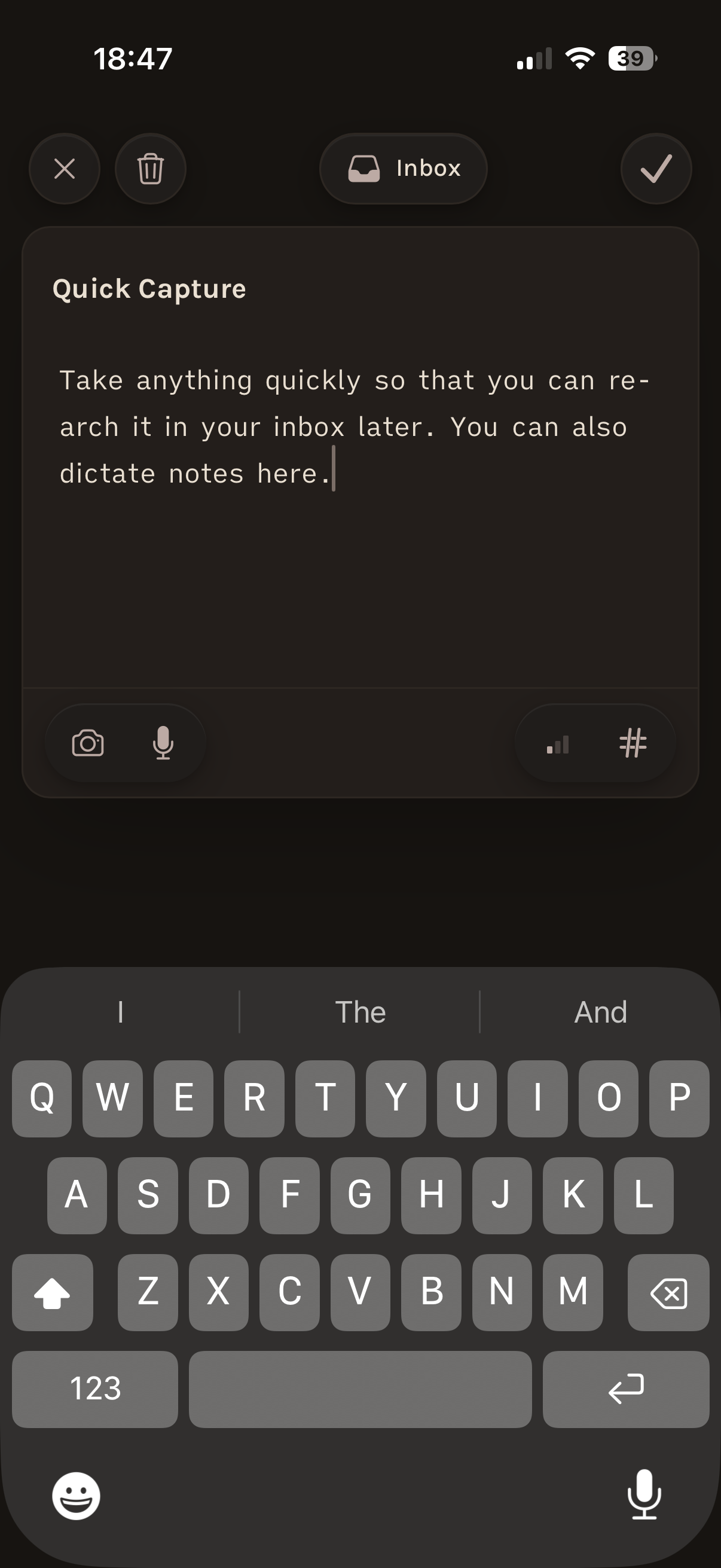
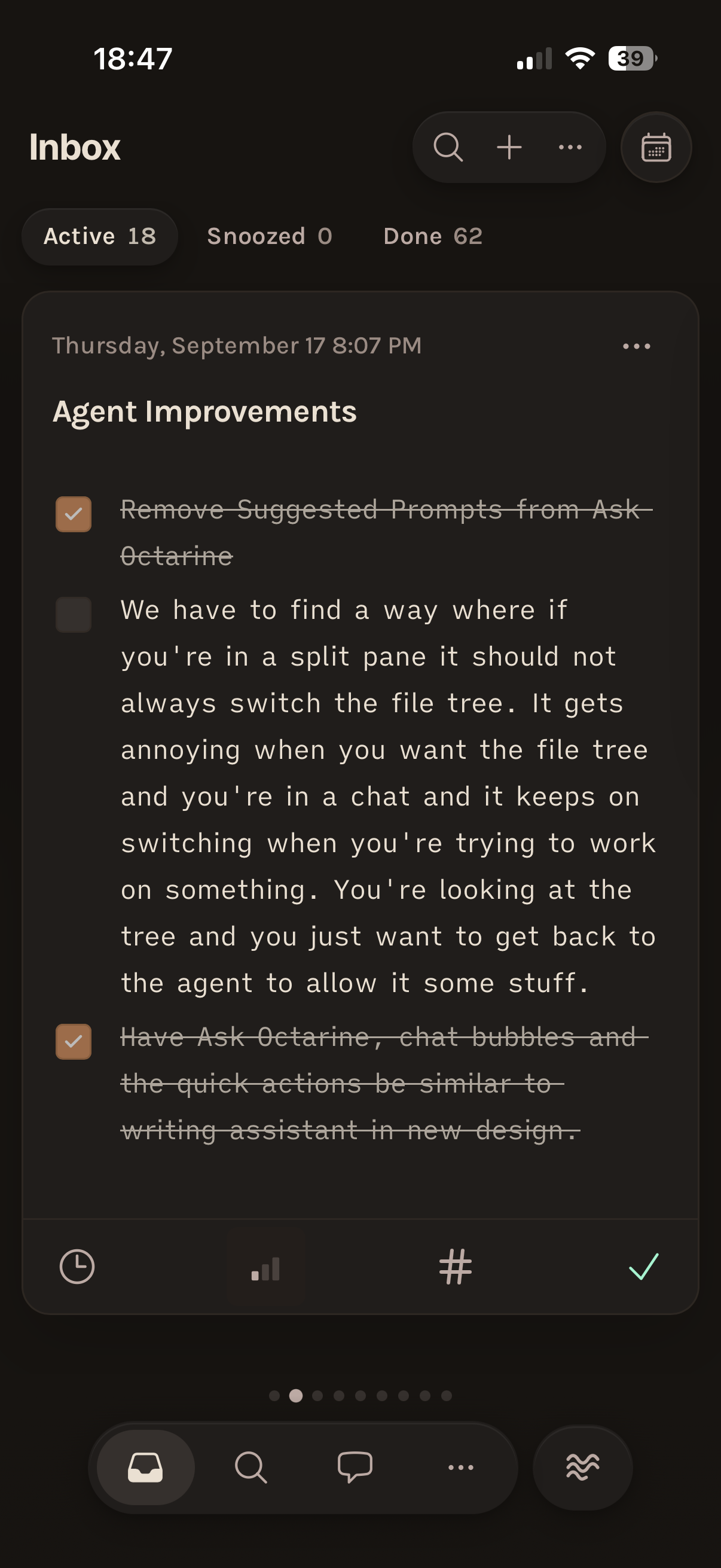
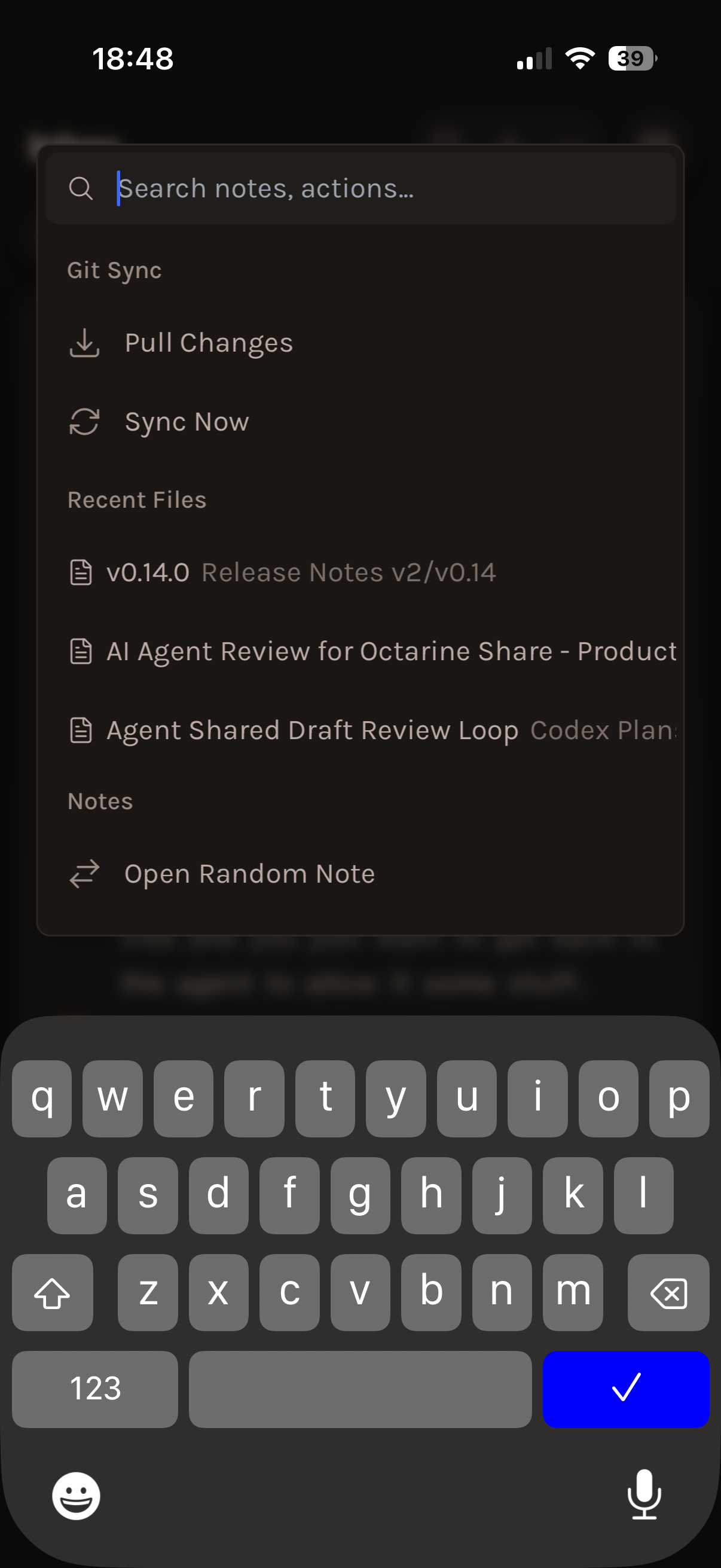
Time to go mobile
Join TestFlightOctarine for iOS
What people are saying
Read all testimonialsLoved and trusted by many
Been using Octarine as my daily driver for the past few days and I'm impressed. Seriously considering jumping from Noteplan.
discord /rjdvsk
Oh my god it is perfect! Thank you so much!! I love how it renders the diagram under the definition instead of replacing it, perfect!! You have a user for life!
email /Tom
Started using Octarine a few days ago and it is such a beautiful app. Everything is just right — not too much, not too little.
discord /Theo C
Octarine looks FRESH! I've tried a lot of note taking apps. Got a good feeling about this one 🔥
discord /commonchilddev
Just downloaded the free version - the first PKM that I am already blown away by! Cannot wait for all of the features in the roadmap!
discord /Stef
heyyy thx a lot of this great app! currently using it from the same dir as my obsidian notes and it works flawlessly!
discord /DemonLis
Designed for Privacy
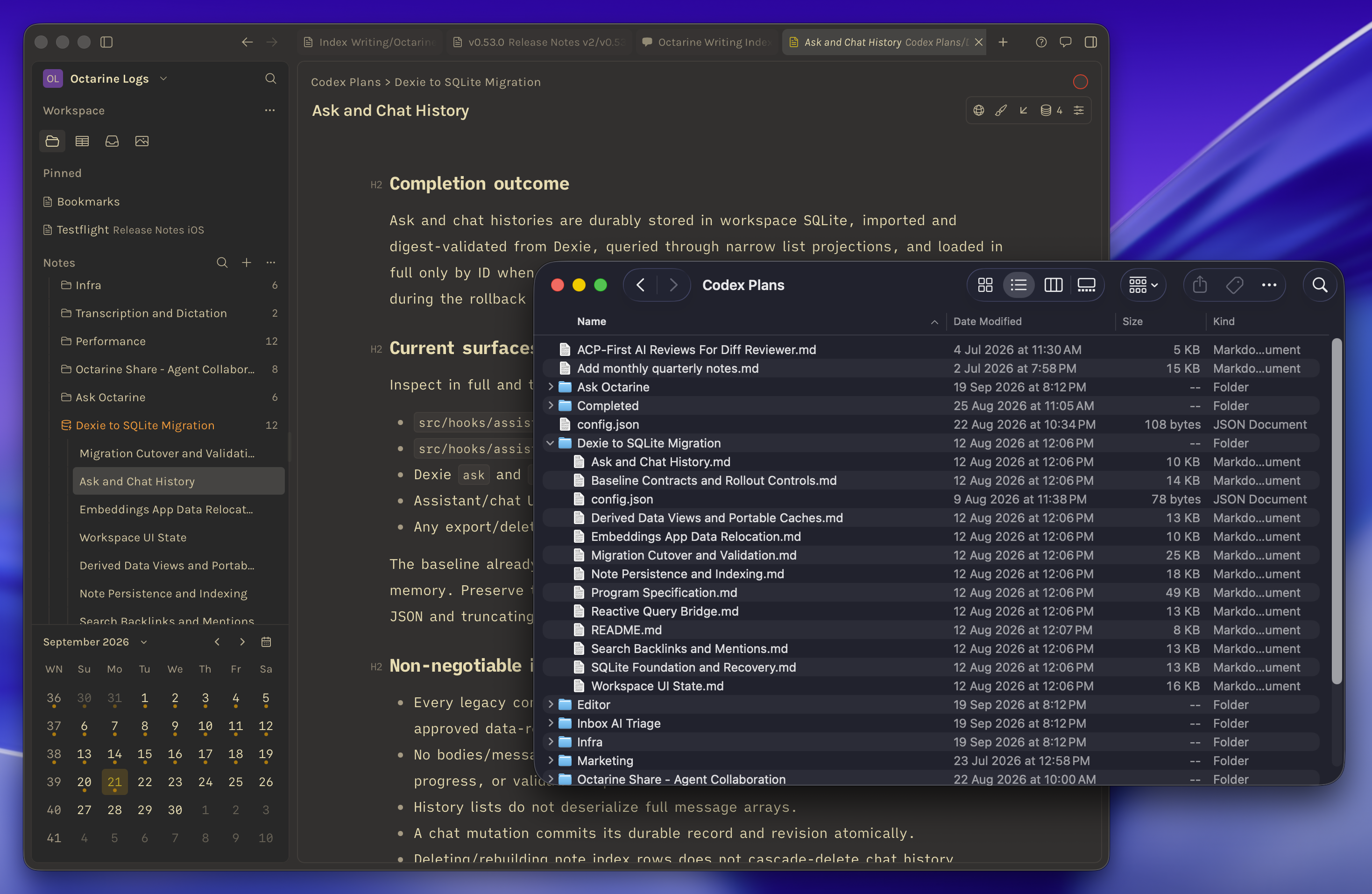
Your notes live where you choose. Stored as plain Markdown.
Octarine at work
Bring your whole team. Keep your files.
Give your team Octarine Pro, managed from one place. Everyone’s notes stay as Markdown files in storage you control.
Explore Octarine for Teams- Seats owned by your company, not individuals
- Reassign seats as people join or leave
- One admin dashboard for members and devices
- Centralized billing
Shipping constantlyAlways improving,
Always improving,
always evolving

Start writing with Octarine.
A fast, private Markdown workspace for capturing ideas, shaping notes, and keeping your writing in files you control.
Download for macOSIncludes a 7-day Pro trial.
Available onDesktop & iOS