Octarine Logo

Writing, without friction.

Capture ideas quickly, organize them naturally, and build workflows around your thinking. All in a fast Markdown workspace designed to stay lightweight.

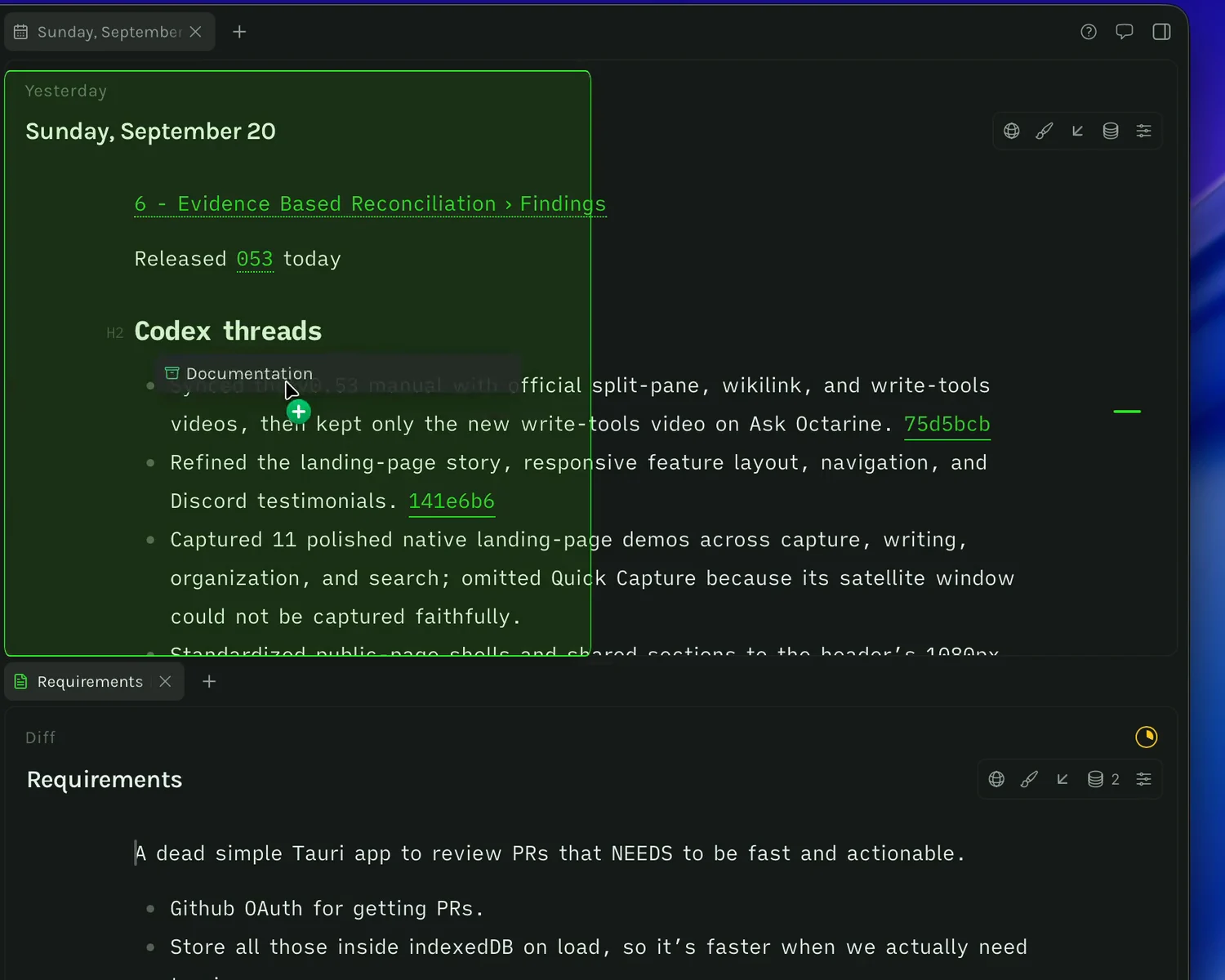
A demo of Octarine
Why Octarine

A quieter place to think, write, and work.

Octarine is built slowly, deliberately, and independently.

I believe good software should get out of the way. It's user-focused by default — designed around how people actually think, write, and work, not around metrics or funnels.

Octarine is bootstrapped. No venture capital. No growth-at-all-costs roadmap. The product answers to its users, not investors.

It's opinionated by design. I make clear choices so you don't have to spend time configuring every detail. Instead of endless options and switches, it ships with defaults that are meant to feel right and stay out of your way, so you can focus on the work rather than the tool.

Your data is yours. Always. Data isn't the moat — the experience is. It's built around interoperability, open formats, and tools that work with the rest of your system instead of locking you in.

Batteries are included. Core features aren't hidden behind plugins, extensions, or marketplaces. What you need to do real work ships with the app, thoughtfully integrated from day one.

This exists to be calm, intentional software in a noisy world — built by one person, for people who care about their tools.

Thanks for stopping by, and I hope it helps you find joy in writing, as it has for me.

Cheers,
Rajat

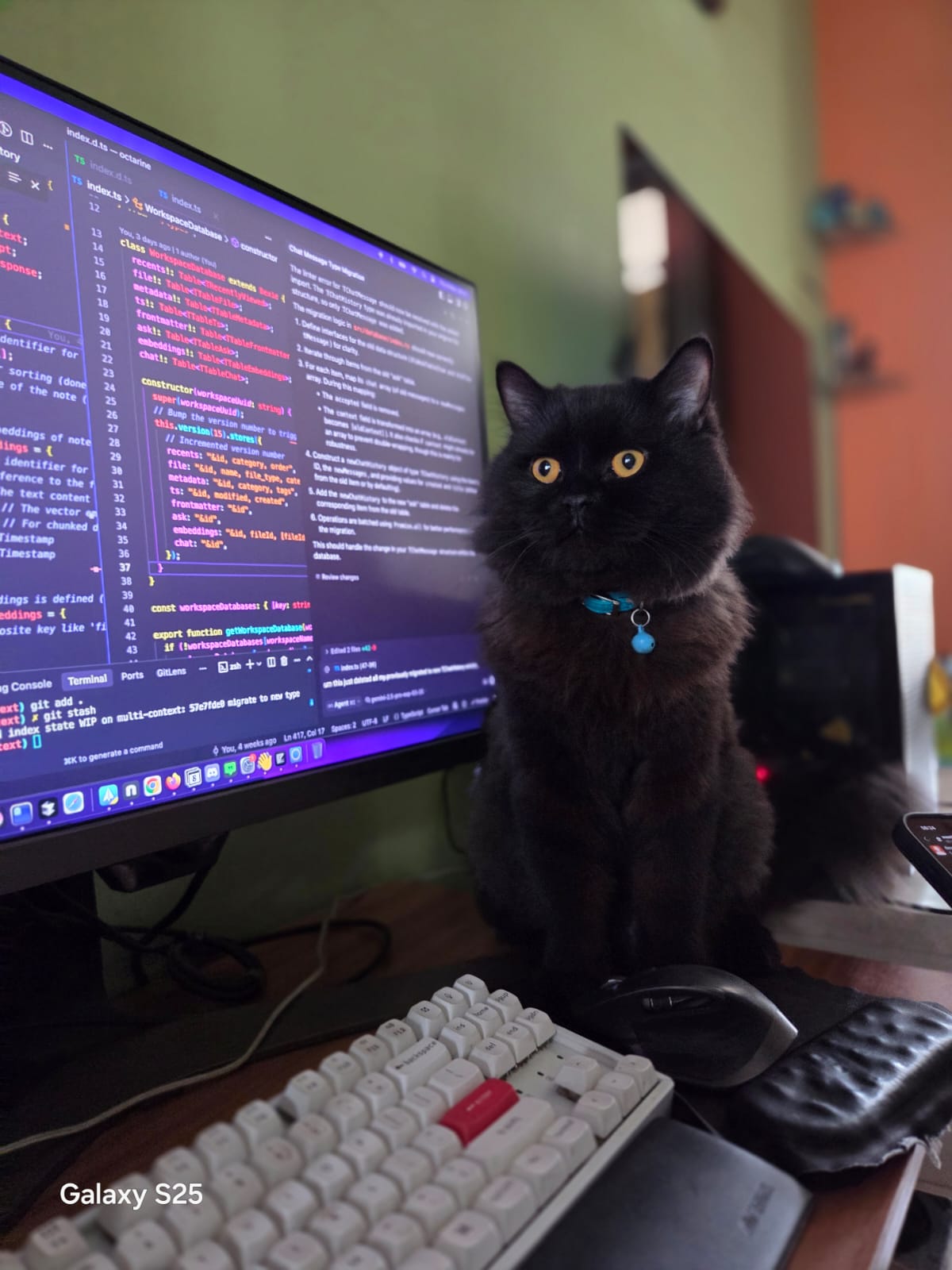
And two lovely interns - Stella & Mylo

When Something Comes Up
When You Sit Down to Write
When Notes Need Shape
When You Need to Find it again
Time to go mobile

Octarine for iOS

Join TestFlight
Octarine for iOS Home screen
Home
Octarine for iOS Notes screen
Notes
Octarine for iOS Daily Desk screen
Daily Desk
Octarine for iOS Editor screen
Editor
Octarine for iOS Command Bar screen
Command Bar
Octarine for iOS Search screen
Search
Octarine for iOS Properties screen
Properties
Octarine for iOS Attachments screen
Attachments
Octarine for iOS Themes screen
Themes
What people are saying

Loved and trusted by many

Read more

Been using Octarine as my daily driver for the past few days and I'm impressed. Seriously considering jumping from Noteplan.

discord /rjdvsk

Oh my god it is perfect! Thank you so much!! I love how it renders the diagram under the definition instead of replacing it, perfect!! You have a user for life!

email /Tom

Started using Octarine a few days ago and it is such a beautiful app. Everything is just right — not too much, not too little.

discord /Theo C

Octarine looks FRESH! I've tried a lot of note taking apps. Got a good feeling about this one 🔥

discord /commonchilddev

Just downloaded the free version - the first PKM that I am already blown away by! Cannot wait for all of the features in the roadmap!

discord /Stef

heyyy thx a lot of this great app! currently using it from the same dir as my obsidian notes and it works flawlessly!

discord /DemonLis
Designed for Privacy

Notes are stored as markdown files on device. Always yours.

Showing side by side windows of Octarine and Finder showing the Octarine Workspace
Shipping constantly

Always improving,
always evolving

View changelog
  1. July 20260.49.0

    One-click Publish notes

    Share a single note with anyone over the web.

  2. July 20260.48.1

    Parallel Ask Octarine execution

    Run multiple chats in parallel

  3. July 20260.48.0

    Redesigned UI

    Gave Octarine a fresh new coat of paint

  4. July 20260.47.4

    Standalone Markdown Editor

    Open any markdown file from your finder/explorer without needing to add them to a workspace

  5. June 20260.46.1

    Inline Writing Assistant

    Quickly change text inside a note without needing to access the Writing Assistant sidebar

  6. June 20260.45.0

    Video Annotation

    Timestamp videos with quick seeking with taking notes

  7. June 20260.45.0

    Skills

    Write skills to reuse logic in Ask Octarine and Writing Assistant

  8. June 20260.44.0

    Codex Auth

    Use your ChatGPT Plus/Pro subscription for AI tooling

  9. June 20260.44.0

    Improved tool calling in Ask Octarine

    Harness improvements with access to more tools for the models to respond better

  10. May 20260.43.0

    Inbox

    Lightweight capture and triage notes from Global Capture before converting them to notes

  11. May 20260.43.0

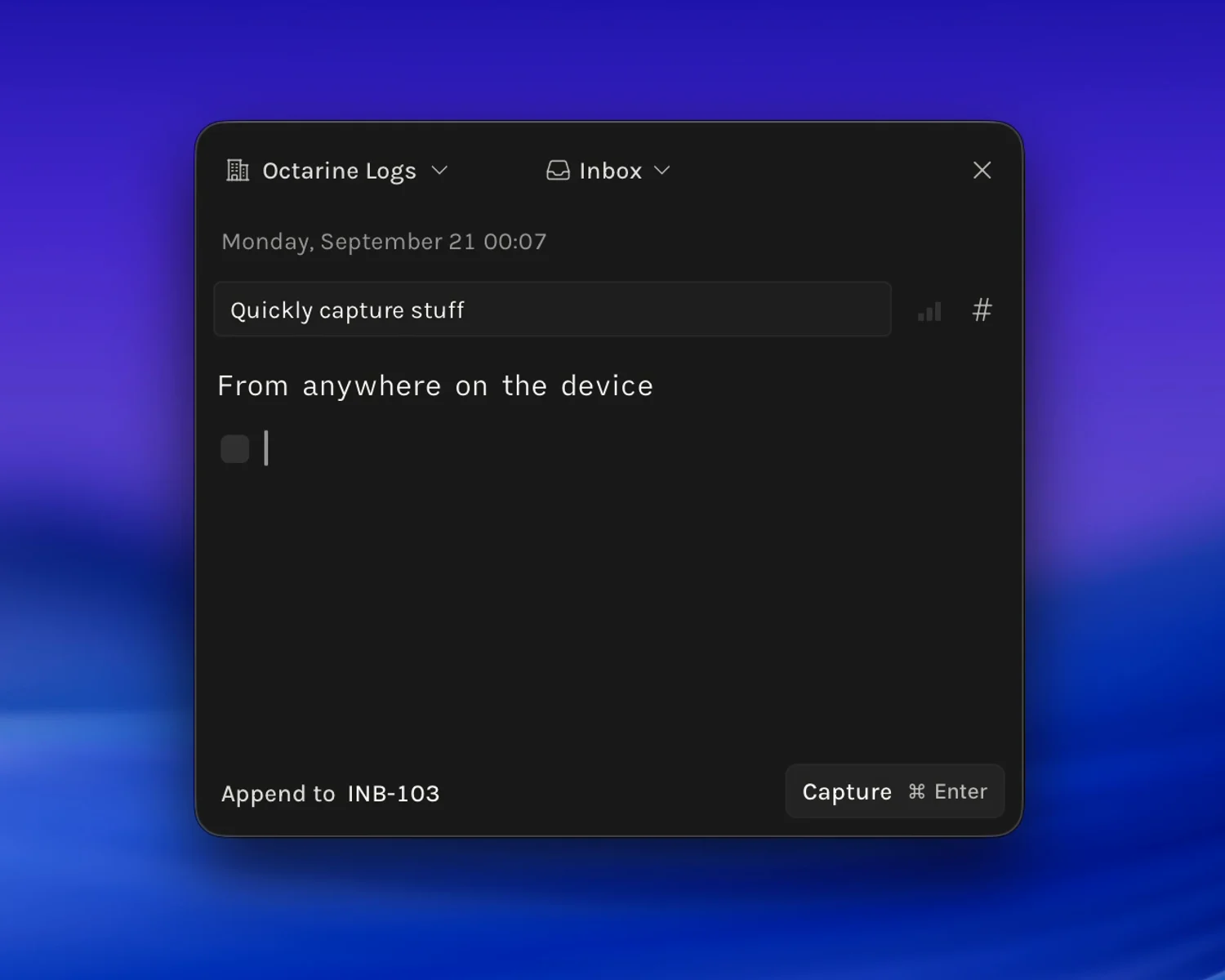
    Quick Capture

    Spotlight like feature to take notes from anywhere

  12. May 20260.42.0

    Multiple windows

    Each workspace can be opened in a separate window. Single notes can be opened in a minimal separate window.

  13. May 20260.42.0

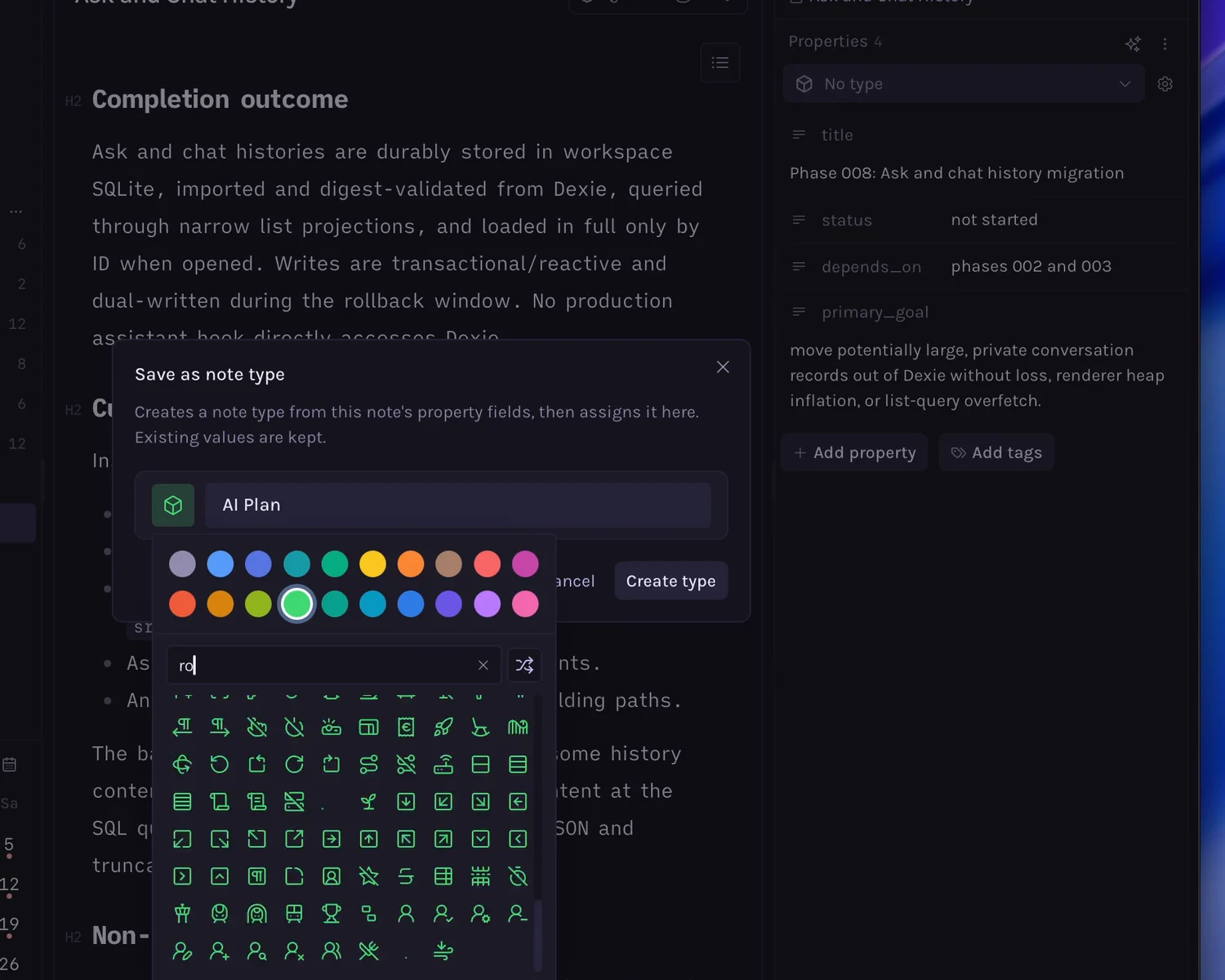
    Properties Redesign & Note Types

    Properties are now in the meta sidebar. Quickly assign note types that are property templates to notes

  14. April 20260.41.0

    Refreshed Backlinks

    View backlinks and mentions in a dedicated sheet with sorting and quick linking

  15. April 20260.40.0

    Collapsible Lists & Tasks

    Collapse nested lists or tasks to make your notes more organised

  16. April 20260.40.0

    Significant Resource management

    Octarine now uses way less CPU and memory not only when idle, but also when actively typing.

  17. March 20260.38.1

    Block Math rendering

    Allow mathematical expressions to be rendered as dedicated blocks.

  18. March 20260.38.0

    Multi-note context for Writing Assistant

    Reference as many notes as required to help you write better.

  19. March 20260.37.2

    Kanban Views

    Switch the layout between Table and Kanban for views

  20. February 20260.37.0

    Grouped Views

    Allow grouping based on any property for views

  21. February 20260.36.0

    Grouping in Views

    Use any custom property or a set of default properties to create sections inside a view

  22. February 20260.36.0

    Resizing Table columns

    Allow columns to be resized, with the data being stored as HTML comments

  23. February 20260.35.4

    Export to different formats

    Allow notes to be exported as PDF, DOCX, HTML and TXT

  24. February 20260.35.2

    Related Notes

    Quickly understand similar notes in workspace for the current note

  25. February 20260.35.0

    Ask Octarine Performance & Better Search

    SQLite for embeddings, better followup and searching algorithms around workspaces

  26. January 20260.34.0

    Theme Creator

    Create your own interface themes for Octarine!

  27. January 20260.34.0

    Template Variables

    Templatise {{date}} {{title}} and more.

  28. January 20260.33.3

    Performance Boost

    Reduced Idle CPU usage, notes load faster

  29. January 20260.33.0

    URL Schemes

    Deep linking to notes and actions, with support for external automations

  30. January 20260.32.0

    Native Menu items, Git-sync offline handling

    Control Octarine from the Mac menu, gracefully handle git-sync when your device is offline

  31. December 20250.31.0

    Custom Views

    Create custom filtered, sorted, and grouped tables of your notes

  32. November 20250.30.3

    Workspace search filters

    Use regular expressions to search better, narrow down searches to daily desk

  33. November 20250.30.0

    Research & Web search

    Writing Assistant can now search the web for up-to-date information.

  34. November 20250.29.9

    Inline External Files

    Attach unsupported files right inside the editor.

  35. October 20250.29.5

    Backlinks Panel

    View backlinks to the current note right inside the note.

  36. October 20250.29.3

    Colored Text

    Add custom colors to your text for better organization.

  37. September 20250.29.0

    Properties

    Add properties to notes to store metadata.

  38. August 20250.28.0

    Folder Customisation

    Per-folder sorting methods, icons and color identifiers.

  39. August 20250.28.0

    Ask Octarine - Create mode

    Use Ask Octarine to help you create notes, emails and more.

  40. August 20250.27.7

    More AI Providers & Reusable Slash commands

    Claude, Groq, xAI, Gemini and more supported. Slash commands to assist in Writing Assistant.

  41. July 20250.27.0

    Tabs & Split Panes

    Split view panes, tabs for faster context switching.

  42. June 20250.26.7

    Additional Editor Settings + Callout Blocks

    System fonts, Change font size, line height, letter spacing

  43. June 20250.26.6

    Weekly AI Recap

    Generate AI-assisted recaps based on the daily notes from the previous week.

  44. May 20250.26.0

    Ask Octarine

    Chat with Octarine to get answers to your questions about your notes.

  45. April 20250.25.1

    Mermaid Diagrams

    Mermaid Diagrams are now supported within code blocks.

  46. April 20250.25.0

    Ask Assistant 2.0

    Chat-like interface, with context switching, history and more. Plus 18 new themes!

  47. March 20250.24.0

    Performance Boost

    Re-written multiple areas of the app to vastly improve performance.

  48. February 20250.23.0

    Focus Mode

    Concentrate on the current sentence by fading out the rest of the app.

  49. January 20250.22.0

    Support Local LLMs

    Allow Ask Assistant to switch to local llms for better privacy.

  50. January 20250.21.0

    External Files & Weekly Notes

    Allow linking external files to notes. Calendar now supports week dates.

  51. January 20250.20.3

    Windows GA

    Octarine is now generally available on Windows. Download the latest version now!

  52. December 20240.20.0

    Redesigned Assistant, Locked Notes

    More chat like experience with Assistant, Lock notes to prevent accidental edits.

  53. November 20240.19.0

    Pro License, Ask Assistant and new themes

    Use AI to help write/rewrite content, 13 new beautiful themes!

  54. November 20240.18.0

    Refactored Data Layer, Improved Performance

    Massive perf improvement, UX changes to sidebars, improved search.

  55. October 20240.17.6

    Multi-color highlights

    Highlight text upto 6 different colors to organize your notes better.

  56. September 20240.17.0

    Performance Improvements

    Improved File Switching speed, editor loading time.

  57. July 20240.16.0

    Tauri Upgrade & Linux Support

    Better security, performance, and brand New Linux Support!

  58. July 20240.15.6

    App window resizing

    App window can now be resized to up to 480px allowing you to keep Octarine beside all your other apps.

  59. June 20240.15.5

    LaTeX support

    Added basic support for rendering math formulae in the editor.

  60. May 20240.15.3

    Create new notes from Doclinks command

    Two new options added to the [[ command list to create new notes.

  61. May 20240.15.3

    Tags in Graph View

    Notes tagged using # now show up in the graph view with a yellow node color.

  62. May 20240.15.0

    Freeform Tagging

    Introduced tagging as a mode of organizing notes.

  63. May 20240.14.4

    Zoom Controls

    Added zooming in and out functionality for the app.

  64. April 20240.14.3

    Daily Desk task tally

    Added a task tally counter to Daily Desk notes.

  65. April 20240.14.0

    Workspace Search

    Redesigned workspace search to be present in the sidebar for easier access.

  66. April 20240.13.4

    Templates with DocLinks

    Templates can now have DocLinks attached to them.

  67. March 20240.13.3

    Rebuilt Graph View

    A ground-up rewrite of the graph view for better performance and new features.

  68. February 20240.13.1

    New look for Pinned Notes

    Pinned notes now show up in the file tree instead of a separate page.

  69. February 20240.13.0

    Highlight, Quote and Menu design

    Added options to highlight text and create blockquotes, along with a UI facelift for settings.

  70. February 20240.12.0

    Codeblock line numbers

    Codeblocks now have line numbers shown against them.

  71. January 20240.11.0

    Find and Replace text

    Added Find and Replace functionality for text inside a note.

  72. January 20240.10.0

    GitSync Beta

    Introduced Git Sync functionality for backing up files to Github/Gitlab.

  73. December 20230.9.0

    Natural Language Date Parsing

    Added Go to Date command that allows navigation to any date using natural language.

  74. August 20230.6.0

    Templates

    Introduced Templates feature to save time on repetitive tasks.

  75. August 20230.5.4

    Syntax Highlighting

    Added syntax highlighting to code blocks.

  76. August 20230.5.0

    Command + K

    Introduced Command + K functionality for quick access to notable actions.

  77. July 20230.4.0

    Image and Video support

    Added support for dragging and dropping images and videos into notes.

Octarine

Download Octarine

Download for macOS

Also available for Windows and Linux.